Colorwork Knitting Chart Maker
This colorwork knitting chart maker turns photos into Fair Isle and intarsia charts with correct stitch proportions, float length warnings, flat and in-the-round row numbering, and yardage estimates.
This colorwork knitting chart maker converts photos into Fair Isle and intarsia-style charts. Enter your stitch gauge and the chart automatically corrects for the natural width-to-height ratio of knitting stitches, so your finished piece won't look stretched or squashed.
Use stranded (Fair Isle) mode for all-over colorwork with up to 8 colors — the chart flags floats that are too long to carry cleanly. Use intarsia mode for large isolated color blocks. Charts are generated in both flat and in-the-round orientation with row numbers on the correct reading side.
Drag in any PNG, JPG, or WEBP. Bold images with few colors give the cleanest knitting charts.
Enter your stitch-to-row ratio, set the chart width and color count, and choose stranded or intarsia mode.
Get the gauge-corrected chart, a color legend, and row numbers ready for flat or in-the-round knitting.
A chart is just a grid of colored squares, but there are three different techniques for turning those squares into knitted fabric — and the right one depends almost entirely on how the colors are arranged, not on how many there are. Before you set the color slider, it helps to know which technique you're heading toward, because each one is happy with a different kind of chart.
Stranded colorwork, often called Fair Isle, carries every color across the whole row at once, so it wants no more than two colors on any single row. It shines on repeating all-over patterns — snowflakes, Nordic yokes, small geometric motifs — where the two active colors trade places every few stitches. Push it past two colors per row and you're juggling three balls of yarn and a tangle of strands behind the work.
Intarsia is the opposite: it uses a separate little bobbin of yarn for each block of color and twists the strands together only where blocks meet. That makes it the tool for large, solid shapes — an argyle diamond, a big letter, a moon on a sweater front — with no limit on how many colors appear across a row, as long as each is a contiguous block rather than scattered dots.
Duplicate stitch skips the colorwork entirely. You knit the whole piece in one background color, then embroider the motif on top afterward, tracing each knitted V with a needle and yarn. It's perfect for small multicolor details — a five-stitch heart, a name, a handful of confetti pixels — that would be miserable to strand or bobbin. If your chart is mostly one color with tiny bright accents, plan to duplicate-stitch those accents instead of trying to knit them in.
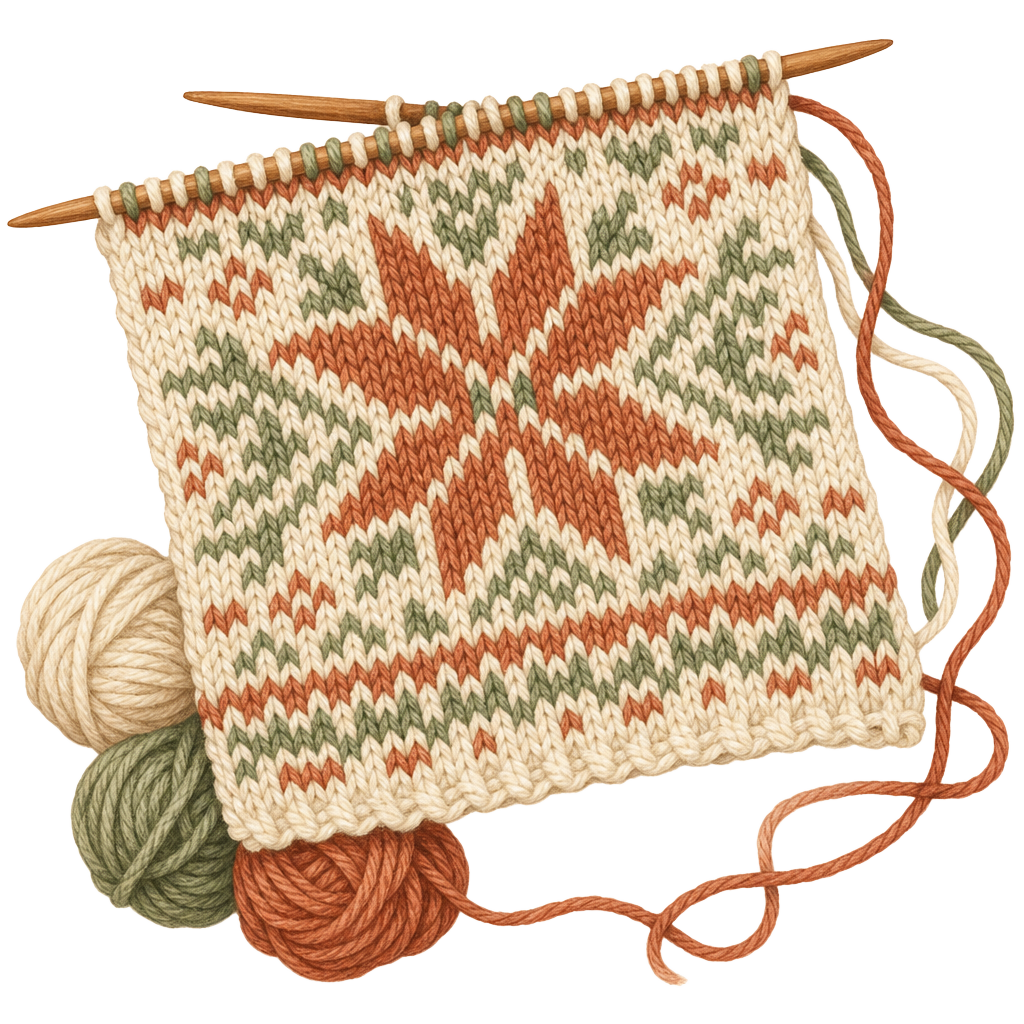
The strand of unused yarn running along the back of stranded knitting is called a float. Short floats sit flat and invisible; long ones snag on fingers and rings and pull the fabric in, puckering the front. The working rule most knitters use is to catch — twist the carried yarn around the working yarn — every 3 to 4 stitches so no float runs longer than about an inch (2.5 cm). This converter flags floats that exceed your set maximum, but knowing the reason behind the warning tells you whether to break the run up with a catch or redesign the motif so the color repeats sooner.
There's also a subtler effect called color dominance. When you hold two yarns, the one carried underneath the other travels a fraction farther on each stitch and ends up looking slightly larger and more prominent on the front. Pick one hand or one position for your pattern color and keep it consistent for the whole piece — swapping mid-project leaves a visible line where the dominant color changes. It costs nothing to decide up front and it's nearly impossible to fix afterward.
Here is the thing that trips up every knitter charting from a photo for the first time. A cross-stitch square is square, but a knit stitch is wider than it is tall — typically somewhere between a 4:5 and a 3:4 width-to-height ratio. That means if you treat one chart square as one stitch and knit it straight, the finished picture comes out noticeably shorter and squatter than it looks on screen. A circle becomes an oval; a face gets stubby.
The fix is to build the distortion into the chart in advance, and this converter does that automatically: it stretches the image vertically before it samples the grid, using a typical knit-stitch proportion of about 0.72 (each stitch is wider than it is tall), adding rows so the motif ends up correctly proportioned once the short stitches compress it back down. In practice a 100-stitch-wide chart of a square shape comes out around 140 rows tall. Expect a chart that looks a little tall on the page, because that’s exactly what a proportioned piece requires.
The whole scheme falls apart if your gauge numbers are guesses. Knit a real swatch in the actual yarn, needles, and colorwork technique you'll use — stranded fabric knits tighter than plain stockinette, so a swatch in stockinette will lie to you. Block it, then measure stitches and rows over 4 in (10 cm). The chart is built on a typical stranded ratio, so check your own fabric against it: feed your two numbers into the gauge calculator to see your real finished size and how far your stitches stray from the chart’s assumption.
Knitting charts are read from the bottom up, because that's the order you knit them — the first row you work is the bottom row of the grid, and you climb toward the top. This catches people who are used to reading anything else top-down, so it's worth saying out loud before you cast on.
Direction within a row depends on whether you're knitting flat or in the round. Worked flat, right-side rows are read right-to-left (the same direction your stitches travel off the left needle) and wrong-side rows are read back the other way, left-to-right. Worked in the round every round is a right-side round, so you read every single row right-to-left and never reverse. This tool prints the row numbers on the correct edge for whichever mode you pick, so the numbers themselves tell you which way to go: numbers on the right mean start there.
A couple of habits save grief. Use a magnetic board or a sticky note to cover the rows above the one you're on, and put a stitch marker between each pattern repeat so a miscount shows up within a few stitches instead of at the end of a 100-stitch row.
Width in stitches is the one number that anchors everything, and it comes straight from your gauge swatch. Multiply your stitches per inch by the number of inches you want the motif to be wide. If you're getting 5 stitches to the inch and you want a chest panel about 16 in (40 cm) across, that's 80 stitches — set the width slider to 80 and the chart resamples the photo to that grid live in the browser, no upload, redrawing as you drag.
Resist the urge to crank the width for detail. Every extra stitch of width also multiplies the rows (thanks to the gauge stretch above) and, in stranded work, the number of floats you'll be managing. Bold, simple images with a handful of colors read far better small than a busy photo does large — a motif that's clear at 60 stitches will only get muddier if you try to force portrait-level detail into knitting. Start narrow, look at the redraw, and widen only until the shapes you care about survive.
The same photo-to-grid logic drives the crochet chart maker if you'd rather work the picture in single crochet, where stitches sit closer to square and the gauge correction is gentler. Either way, when the chart looks right, download the chart as a PNG, keep the color legend handy, and you’re ready to cast on.
Yes — free with no account needed.
Knitting stitches are wider than they are tall, so the chart adjusts proportions to match your gauge. The result will look like your photo once knitted.
In stranded colorwork, the unused yarn is carried across the back of the work. Very long floats can distort the fabric. The tool warns you when any float exceeds your maximum length.
Yes. Toggle the reading direction and the row numbers shift to the correct side automatically.
No. Everything runs in your browser. Your photos never leave your device.