Tapestry Crochet Pattern Generator
This tapestry crochet pattern generator creates tapestry and corner-to-corner (C2C) charts from any photo, with row-by-row written instructions and correct cell proportions.
TapestryC2CDMC Colours100% in-browser
This tapestry crochet pattern generator creates tapestry and corner-to-corner (C2C) charts from any photo, with row-by-row written instructions and correct cell proportions.
This tapestry crochet pattern generator converts photos into tapestry and corner-to-corner (C2C) charts. Cell proportions are calculated from real crochet gauge so the finished piece won't look stretched. Every color is matched to DMC thread, and the PDF includes the full chart with row-by-row stitch counts.
Use tapestry mode for bags, pillows, and wall hangings worked in single crochet. Use C2C mode for blankets and throws — the chart shows diagonal cell counts and includes a stitch-count guide per row. Keep the color count to 5–8 for the cleanest results.
Drag in any PNG, JPG, or WEBP. Simple bold images with few colors work best for crochet patterns.
Choose tapestry or C2C mode, set the width in stitches, and limit the color count. The preview updates live.
Get the full chart, a DMC color legend, and row-by-row stitch counts ready to crochet from.
The chart this tool generates is a color grid: a photo resampled to your chosen stitch width, with each cell mapped to a real yarn color. What makes crochet different from cross stitch is that the same grid can be worked three completely different ways, and the technique you pick changes the shape and feel of every cell before you make a single stitch.
Corner-to-corner (C2C) reads each cell as a little block of 3 double crochet, built up on the diagonal from one corner. Tapestry crochet reads each cell as a single crochet worked in rows, carrying the resting colors hidden inside the tops of the stitches. Intarsia isn’t a separate chart mode — an intarsia worker reads the same tapestry grid — but it works each cell without the carried yarn, joining a separate bobbin of each color where it appears. Decide which of these you're doing first, because it drives your gauge, your yarn shopping, and how you'll read the page.
Everything here runs in your browser — the photo never leaves your device — and the width and color sliders redraw the chart live, so you can test a technique's cell count before committing an evening to a swatch.
C2C is the forgiving one. Because each pixel becomes a chunky 3-dc block roughly 1 in (2.5 cm) square in worsted-weight yarn, a design fills fast and mistakes are easy to see and rip back one diagonal at a time. It's the standard for graphghans — a 60-stitch-wide chart lands near 60 in (152 cm) of blanket, which is why C2C charts stay usably small. The trade-off is that the fabric has an inherent diagonal texture and a bit of drape rather than a crisp picture.
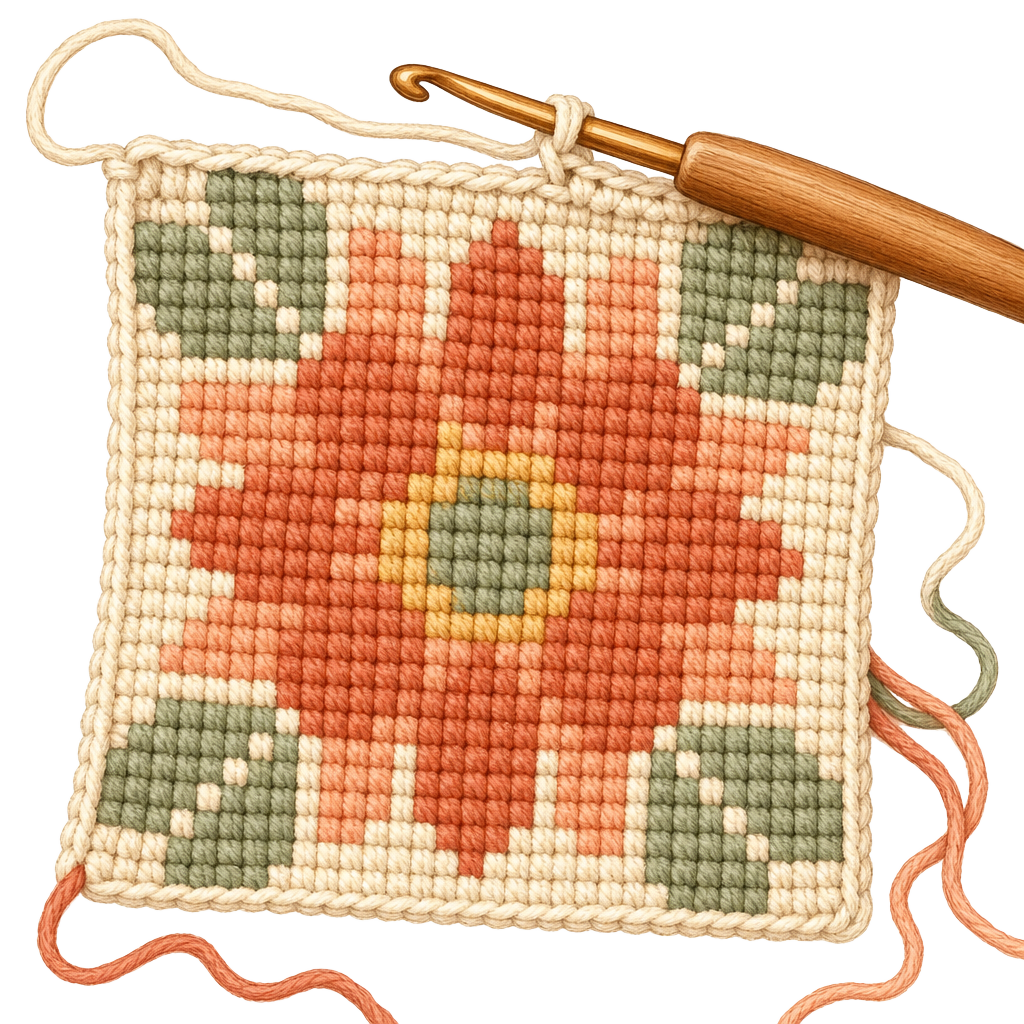
Tapestry crochet gives you a dense, stiff fabric with sharp color edges because you work single crochet stitch by stitch and carry the idle colors inside the stitch tops. That density is exactly what you want for a project bag or a cushion front, and it's why the chart's row-by-row counts matter — you're reading real stitches, not blocks. The catch is tension: carried yarn wants to pull the fabric in, so your swatch is doing double duty here, checking both gauge and how flat the carries sit.
For large blocks of color, or for pale yarn over dark where a carried strand would ghost through, intarsia beats tapestry. You wind a small bobbin for each color section and twist yarns at the boundary instead of carrying them across the back. It keeps both sides tidy and the fabric soft, but it only works when color areas are large and few — a confetti-heavy chart with single stray cells will bury you in bobbins and tangles.
The finished-size math is different for each technique, and every number here assumes worsted-weight yarn on a 5 mm (H-8) hook. For C2C, one 3-dc block runs close to 1 in (2.5 cm) square, so cells-across roughly equals inches-across. That approximation is convenient but it is still an approximation — hook size and how tightly you crochet move it by a quarter-inch per block, which compounds fast over a 200-block blanket.
Single crochet grids for tapestry are trickier because sc stitches are not square. A typical worsted sc gauge is about 4 stitches to the inch across but 4.5 rows to the inch down — so a chart worked cell-for-cell comes out shorter than it is wide, and a circle turns into a squashed oval. This tool builds a typical single-crochet cell proportion into the chart to counter that, but your yarn and tension are your own. Crochet a swatch of at least 4 in (10 cm) square in your actual yarn and hook, count your real stitches and rows per inch, and feed those into the gauge calculator to convert the chart's cell counts into your finished dimensions.
If your swatch reveals a strong row-to-stitch mismatch and the image looks stretched, there are two fixes. Add rows to a graph so the picture is drawn taller than it is wide in cells, letting the shorter row gauge pull it back to true proportion; or switch to C2C, whose square blocks sidestep the problem entirely. This is the crochet cousin of the aspect-ratio issue knitters hit — the knitting chart maker handles the same math for a knit stitch that's wider than it is tall.
The existing notes here recommend 5–8 colors, and that ceiling exists for a physical reason: in tapestry every idle color has to be carried inside your stitches for the whole row, and three or four carries at once make a rope you're fighting rather than crocheting. Intarsia removes the carries but replaces them with bobbins — one per color block per row — so a chart with eight colors scattered across a row can mean a dozen bobbins dangling at once. Wind small butterflies or use yarn bobs, and let them hang; don't try to keep them from twisting, just untangle at the end of each row.
Plan yarn by the cell. A rough C2C rule is that one skein of worsted yarn covers a good number of 1-in blocks, so tally the cells of each color from the legend and buy by color rather than guessing a lump total — the odd background color you need 400 blocks of is the one that runs out mid-blanket. The color your legend calls, say, DMC 310 is matched for the chart's look; substitute a real worsted yarn in that shade and buy an extra skein of any color you're close on, because dye lots won't match on a reorder.
How you read the page depends on your technique. For tapestry and intarsia you read the grid in rows exactly like a knitting or cross-stitch chart — bottom to top, following the turn direction each row. For C2C you do not read in rows at all: you read diagonally, corner to corner, so the first block is one corner cell and each pass adds one more block along a diagonal until you reach the widest point and start decreasing. Count the blocks in each pass against the chart’s diagonals as you go — that’s your check that you haven’t gained or lost a block.
The image itself makes or breaks the result. Crochet cells are large and the palette is tiny, so pick photos with high contrast, one clear subject, and naturally limited colors — silhouettes, bold logos, simple landscapes, and graphic illustrations chart far better than a dim, busy snapshot. A photo that survives being reduced to eight colors and sixty cells wide will read beautifully as a blanket; one that needs thirty colors to be recognizable will not. If you want to build a design from scratch instead of a photo — lettering, geometric motifs, a custom monogram — draw it in the pattern designer and bring the finished grid straight into this tool.
Yes — completely free with no account needed.
Tapestry crochet carries unused colors inside the stitches of the working color, hiding the floats. It creates a thick, sturdy fabric ideal for bags and home décor.
C2C builds the fabric diagonally using small squares of 3 double crochets. It's popular for blankets and creates a naturally diagonal texture.
5–8 colors works best. More colors mean more yarn changes per row, which gets complicated quickly.
No. All pattern generation runs in your browser. Your photos never leave your device.